
Year 3
In Computing, the children have been introduced to networks and have been exploring each week how they operate. This has included learning about the features of a device and considering the inputs, processes and outputs a device may have. The children have consolidated their understanding of the purposes of different digital devices.
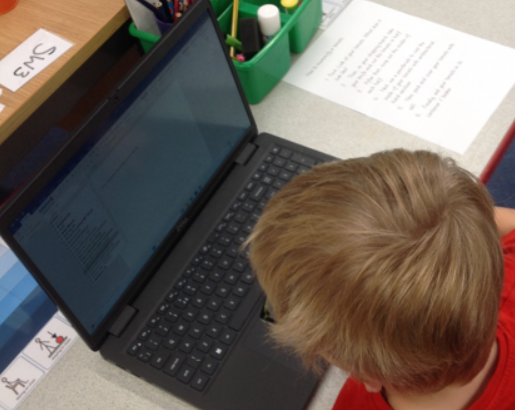
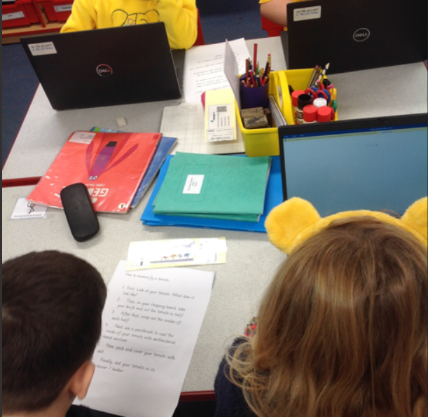
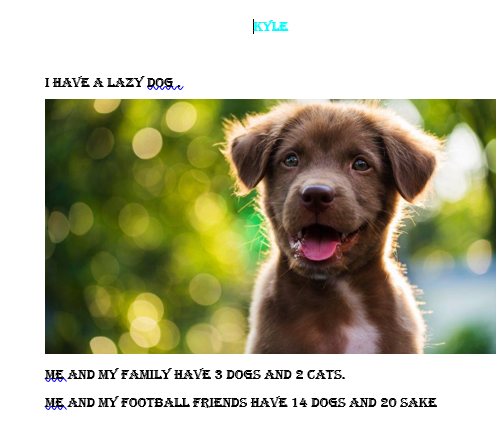
The children also practised touch typing skills by playing a game called Dance Mat, which helps their finger placement on the keyboard. This was helpful when the children came to write up their history focussed instructions on, “How to make a Mummy” and their ‘All About Me’ documents. To help build on this, the children then created a PowerPoint presentation connecting to their Geography lessons all about the ‘Countries of the UK’.
Year 4
In Year 4, the children started the school year by learning about Computer Systems and Networks. The children learnt how networks connect and could recognise how networked devices make up the internet. They learnt how information can be shared via the World Wide Web and the devices that can be used to access it. The children looked in depth at the some of the content on websites to decide whether we could view, download or use the content. We finished the topic by discussing whether we could believe everything we saw on the internet.
Our most recent topic involved learning about data loggers. The children learnt what types of data the data loggers could record and had practical experience of using the data loggers to record data around the school. The children were then shown that the data could be downloaded in to a Logbook Graphing app which could create a range of graphs to present the information. The children particularly enjoyed becoming human data loggers by counting types and colours of vehicles!
Year 5
Year 5 learnt all about blogs; what they are and how to create one. They showed off their word processing skills learnt in Year 3 and 4 by changing the font, colour and size of text and were able to copy and paste from a word document into their blogs.
The children discussed how to stay safe online and how they should never share any of their personal details online. The children were then able to produce their own blog posts on our Year 5 blog to share their tips on how to stay safe on the internet!
Later in the term, the children created and edited videos on their own special interest, building on their learning from stop-motion videos in year 3. Year 5 began the topic by looking at different videos and analysing and comparing them. Children then discussed different filming techniques:
- Long shot – filming one person, showing their whole body and where they are
- Moving subject – a person moving from one place to another
- Side by side – filming two people at the same time
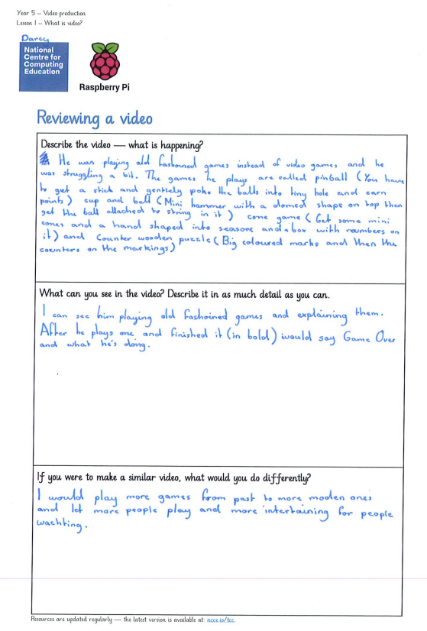
They then planned their own video using a storyboard. The children then filmed their videos using iPads in groups using the different filming techniques. Year 5 concluded the topic by re-watching and evaluating their videos.
Year 6
In Year 6 we have focussed on Digital literacy; we considered our self-image and interests and what people share about themselves in online profiles. This had a strong link to our RSE lesson where we discussed how presentations online might not be representative of a person’s actual life and to not believe everything we see online. We also discussed how to be safe online or in messaging platforms and to ensure that everyone is treated with kindness and how to remove ourselves from situations that are uncomfortable for us or others and then report it.
Different ways to communicate on different platforms was also discussed, including a public or private audience and which apps are appropriate depending on somebody’s age. The children were very surprised to learn that many of the apps we had discussed had a minimum age rating of 13+!
We also developed our knowledge of computer networks further by exploring the basic workings of the internet, e.g. How a website’s IP address is catalogued on Domain Name servers, like an address book and how data is arranged into ‘packets’ for transfer across the network. We ended our unit by communicating on a shared platform via Scratch, which led nicely into our next unit on coding.
For the second half term, we gave clear instructions, known as algorithms, on Scratch to use, modify and then create our own catching game. We built upon our knowledge of repetition and selection to include some variables such as a scoreboard and a timer. We then looked at and focused on Online Safety and how to keep others and ourselves safe online. We reflected on our screen time use and how this can affect our wellbeing.